
How Teams Are Using Model Context Protocol in the Real World
Explore how the Model Context Protocol connects AI to tools, systems, and data across industries, enabling real-world applications beyond simple text.
AI models today are surprisingly capable, but for most people, they’re still boxed in. You ask a question, get an answer, maybe follow up with another one, and that's about it. What they can’t do on their own is reach out into your world - your databases, your APIs, your files, your software. They don’t really do anything.
The Model Context Protocol (MCP) is changing that. It's not some fancy future idea either. It’s already being used to connect models like Claude, GPT-4, and others to real tools and systems. Whether you’re building a coding assistant, an internal dashboard, or a personal AI that knows your schedule, MCP is the protocol that makes it all work behind the scenes.
In this article, we will walk through actual use cases where MCP is making a real difference. You will explore specific examples of where teams are using it right now, and why it’s quietly becoming one of the most important pieces of the AI stack.
What MCP Really Does (In Practice)
At its core, MCP gives language models a standard way to talk to external tools - not through hardcoded APIs or plug-ins, but through a common protocol. Think of it as the USB-C for AI.
It works with a client-server setup:
- The client sits inside the AI app (like Claude Desktop, Codeium, or your own tool)
- The server wraps around external tools or data (a file system, Slack, GitHub, a database, etc.)
- The two talk over JSON-RPC, following a clear structure for calling tools, reading data, and sending back results
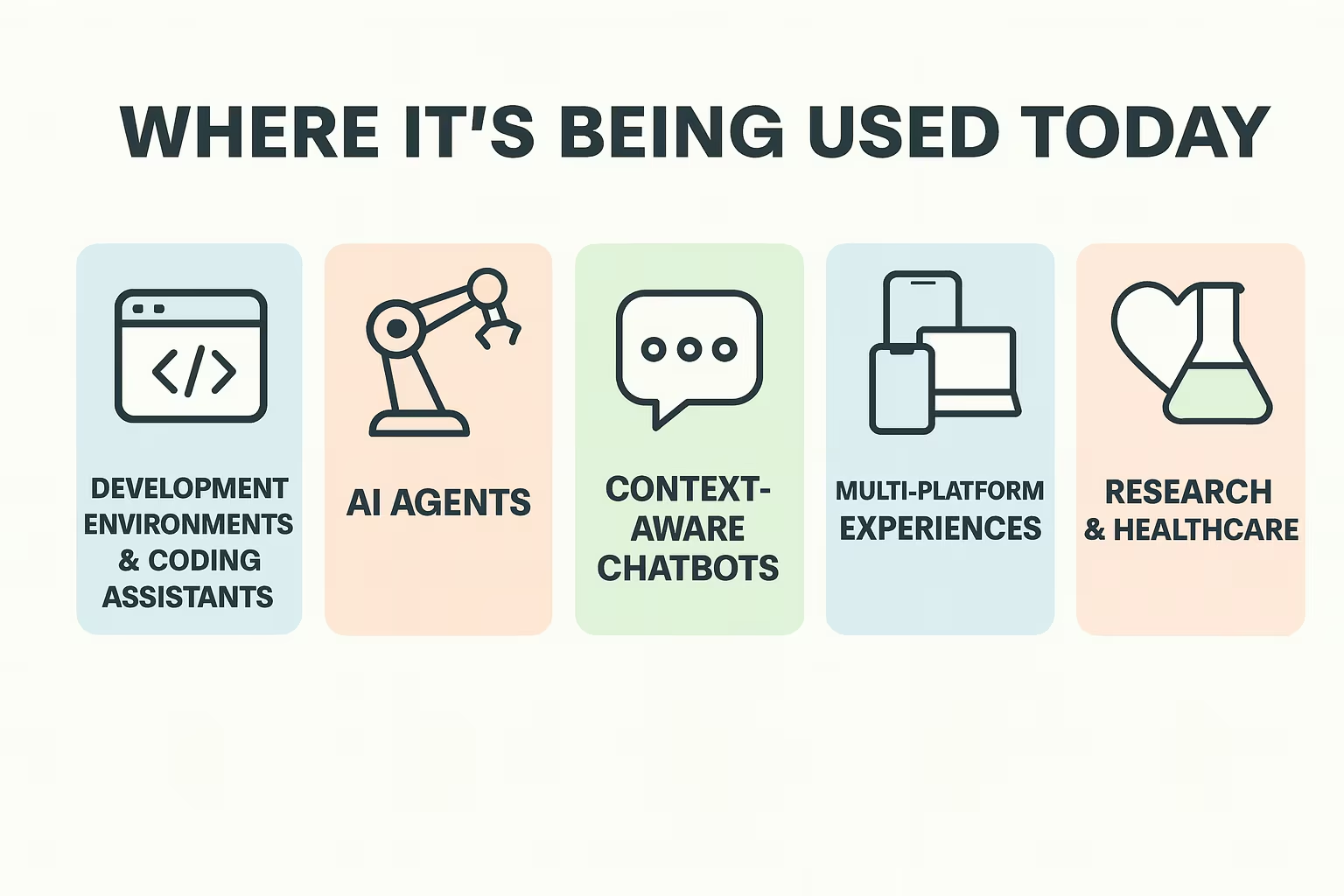
Where It’s Being Used Today
This isn’t theoretical. Developers and companies are already putting MCP into production, across a wide mix of use cases. Let’s break down where it’s seeing real traction.
1. Development Environments and Coding Assistants
Coding tools were among the first to adopt MCP, for good reason. Developers are often early adopters, and coding assistants need access to files, version control, documentation, and terminal commands. MCP provides a cleaner, more secure way to enable those features.
A Few Real Examples:
- Claude Desktop uses MCP to let the model read local files, run tools, and answer context-rich questions about your codebase
- Codeium (Cascade) supports multiple MCP servers at once, like GitHub, Google Maps, or a terminal tool - making the model act more like a dev teammate
- Cursor added MCP support to give LLMs access to live project files and tooling without hardwiring logic into each feature
2. AI Agents That Can Actually Get Work Done
A lot of people talk about AI agents like they’re already here. But most so-called agents are just language models with some basic scripting around them. MCP is what allows agents to actually do things in sequence.
Using MCP, agents can:
- Combine tools from different servers in one workflow
- Remember which tools are available at runtime
- Chain the output of one action into the next
- Stay within defined security boundaries (like root paths or tool permissions)
- Pulls customer history from a CRM
- Checks for open support tickets in Jira
- Posts an update to a Slack channel
- Logs the issue to an internal dashboard
3. Context-Aware Chatbots (That Aren’t Annoying)
You know the feeling when you’re chatting with a bot, and it forgets everything you just told it? That happens because traditional models don’t retain real context across systems. MCP fixes that.
In production today, MCP is being used to:
- Track long-term session state (via session IDs)
- Access relevant documents or notes (using “resources”)
- Let users select which files or data the model can see
- Guide the model with standard prompts for specific tasks
4. Multi-Platform Experiences Without the Friction
One of the more creative uses of MCP is for apps that span devices and platforms. Let’s say someone starts a task on mobile, continues on desktop, and asks a voice assistant to check on it later. MCP lets the context persist across those surfaces.
Some real-world cases include:
- Booking a service on mobile and modifying it via smart speaker
- Continuing a document edit from tablet to desktop with AI help
- Keeping learning progress or preferences synced across devices in edtech platforms
5. Research, Healthcare, and Enterprise Workflows
In more structured industries, the value of MCP is often tied to compliance, reproducibility, and structured data access. These aren’t the flashy use cases, but they’re some of the most important.
Healthcare Examples:
- Connecting electronic health records (EHRs) to AI diagnostic tools
- Allowing AI assistants to access vitals or patient history via secure MCP servers
- Ensuring every tool call is logged, scoped, and user-approved
Scientific Research:
- Reproducing experiments by storing tool inputs/outputs across sessions
- Letting researchers call data analysis functions via an MCP agent
- Reducing manual handoffs by having AI carry context through steps
6. Productivity Tools That Actually Talk to Each Other
Most workplace tools live in silos. Even if they have APIs, getting them to work together through an AI layer takes time. MCP flips that. If each tool is wrapped in an MCP server, an AI can orchestrate them like a conductor with instruments.
Let’s take a common productivity stack:
- Google Drive
- Slack
- Notion
- Internal dashboard or CMS
- Calendar
- An “update project status” prompt that calls: Google Drive to fetch the latest doc, Internal DB to get sales data, Slack to post a summary
- A follow-up from the model suggesting next steps, scheduled via Calendar
7. Personal AI That Actually Knows You
This part is still early, but some developers are building AI systems that feel more like true assistants. The difference is that these assistants:
- Can access your calendar
- Can browse your file system
- Can follow up on tasks across tools
- Can do it all without sharing your data with a cloud provider
This opens the door to personal AI agents that live on your device and know your systems - not just through prompts, but through actual context.
Our Take on Using MCP in Real Projects
At Mobian, we’re always looking for ways to reduce friction between great ideas and real-world execution. That’s exactly why the Model Context Protocol caught our attention early. For us, MCP isn’t just another piece of tech to keep an eye on. It’s something we’re actively weaving into how we build digital products, especially in complex environments like healthcare, fintech, and enterprise platforms.
When you’re building systems that have to talk to each other, run securely, and scale without turning into a pile of brittle integrations, a protocol like MCP starts to make a lot of sense. It gives our engineers a shared interface to wrap tools, whether that’s a custom file storage service or an internal analytics platform. We don’t have to reinvent the wheel every time we need an AI assistant to fetch data, summarize a report, or trigger a workflow. And more importantly, we can offer our clients a setup that’s secure, modular, and easier to grow into.
In short, we’re not just building with MCP in mind - we’re actively exploring how it fits into real deployments. If we’re developing a full-scale SaaS platform or augmenting an existing team, MCP can play a key role in helping AI interact with the systems we build. It’s one more way we help our clients move faster without sacrificing control, performance, or clarity.
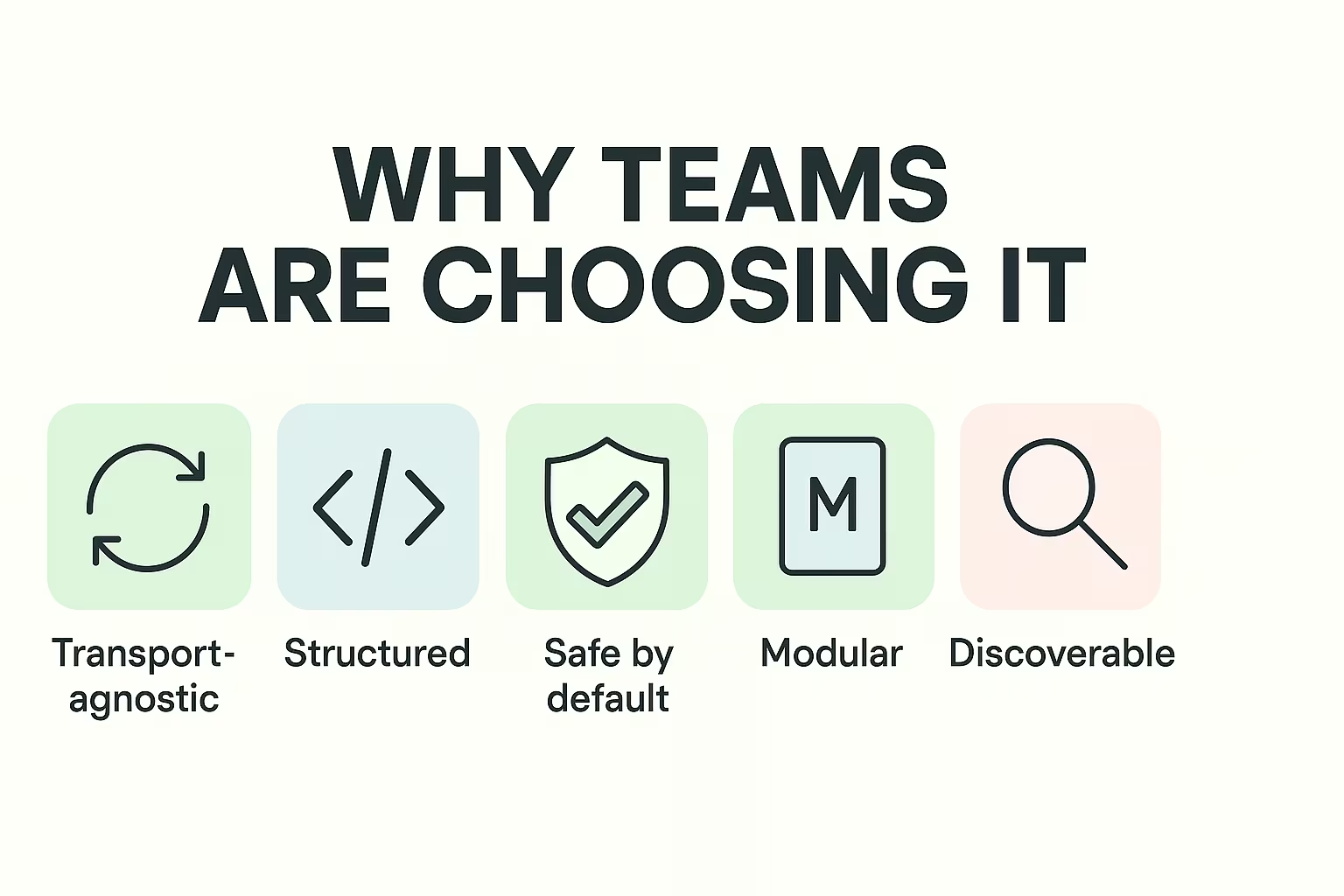
Under the Hood: What Makes MCP Use Cases Work
It’s worth pointing out that most of these use cases only work well because of how MCP is designed. Here’s what makes it viable:
Why Teams Are Choosing It:
- Transport-agnostic: Works over stdio (for local) or HTTP+SSE (for remote)
- Structured: Uses JSON-RPC with clear methods and error handling
- Safe by default: Requires explicit approval for tool use
- Modular: You can add or remove servers as needed
- Model-neutral: Works with any LLM if you wire it right
- Discoverable: Clients can query servers for available tools and resources
Where It’s Going Next
MCP is still growing up, and while it's already made a big difference, there’s plenty more on the horizon. One clear direction is the rise of more community-maintained servers for tools like weather data, mapping systems, databases, and even shell command execution. These servers make it easier for developers to plug AI into practical, real-world workflows without having to build everything from scratch.
We’re also starting to see early tools that help bridge the gap between MCP and other frameworks, like LangChain. These converters mean developers don’t have to pick one ecosystem over the other. On top of that, multi-agent workflows are getting more attention. Instead of one model trying to do everything, you’ll have different agents handling pieces of a task and passing results between each other. It’s a cleaner, more scalable setup.
Another interesting shift is happening inside development environments. IDEs might soon support MCP natively, in the same way that language servers made autocomplete and inline docs standard. Enterprise teams are also experimenting with their own registries of trusted MCP servers. Think of it as a private library of tools, all vetted and approved for internal use. Some are even building centralized hubs where all company-wide MCP tools live in one place. Any AI agent in the org can tap into that catalog to get things done more safely and efficiently.
Final Thoughts
The Model Context Protocol is easy to miss if you’re just using ChatGPT in your browser. But under the hood, it’s becoming one of the most important layers in the AI stack.
It’s not trying to replace APIs or function calls. It’s giving us a cleaner, safer, and more reusable way to wire up AI to the systems we already use. From development workflows to healthcare tools to personal productivity setups, MCP is what makes language models actually useful in practice.
And the best part? You don’t need to rebuild your stack. You just need a few well-configured servers and a host that speaks MCP. The rest kind of clicks into place.
Frequently asked questions
Is MCP just for big companies, or can smaller teams use it too?
Smaller teams can absolutely use MCP - in fact, they might benefit from it even more. If you’re short on time or people, having a protocol that standardizes how your tools talk to AI can save a lot of effort. You don’t need to build complex integrations from scratch. A few well-configured servers and a clear workflow are often enough.
Do I need to be using a specific AI model to use MCP?
Nope. One of the strengths of MCP is that it’s model-agnostic. As long as your LLM host supports the protocol (or you set it up to), it doesn’t really matter whether you’re using Claude, GPT-4, or something else entirely. The focus is on the interface, not the model itself.
What kinds of tools can I connect through MCP?
Pretty much anything, as long as you can wrap it in a server that follows the protocol. People are using MCP to link file systems, databases, GitHub, Slack, terminal tools, and even weather APIs. The idea is to give the model safe, structured access to whatever you need, without writing separate logic for every use case.